


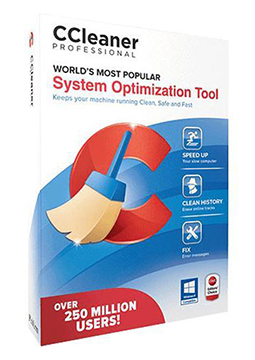
CCleaner Professional for Mac 1 device, 1 year
8.91 €
Language


Compatibility


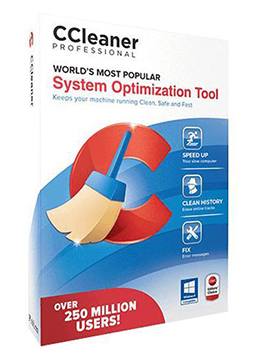
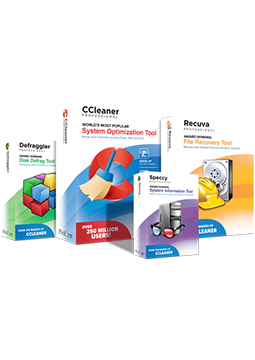
- Description
- Information
- Instructions
Product description
CCleaner Professional
CCleaner Professional is the paid edition of the well-known CCleaner tool for cleaning and optimising Windows PCs. It removes unnecessary files and browsing traces, updates drivers and outdated apps, and puts background programs that needlessly slow down your system to sleep. This description covers the current CCleaner 7; a Mac version is also available. One licence covers one computer – a Windows PC or a Mac, depending on the variant you choose.
Key features
Everything CCleaner Professional can do.
System requirements
Where you can run CCleaner Professional.
How it works
Frequently asked questions
Product information
| Delivery Method: | Electronically by e-mail |
| Type of license: | New (license validity starts from your first activation) |
| Language: | English, Czech, Hungarian, German, Polish, Slovak |
| Compatibility: | MacOS10.12 and later |
| Licence validity: | 12 months |
| Number of devices: | 1 device |
| Manufacturer: | Piriform |
Product instructions
CCleaner Professional
Installation and activation
- On your Windows PC, download CCleaner from the official website (link below). CCleaner Professional uses the same installer as the free version – the licence key unlocks the Professional features.
- Run the downloaded file, click Yes in the User Account Control prompt and complete the installation.
- Launch CCleaner 7, click Settings in the bottom-left corner and under My Subscription click Enter license key.
- Paste the licence key from your e-mail and click Activate. Copying the key helps you avoid typos.
- Mac variant: download and install CCleaner for Mac, click CCleaner in the menu bar › Insert Activation Code (or press Cmd ⌘ + K), enter the code and click Activate.
- Check under My Subscription in Settings that your CCleaner Professional licence is active.
––––> Download CCleaner for Windows <––––
––––> How to activate a CCleaner 7 licence <––––
––––> Download CCleaner for Mac <––––
