


CCleaner Professional Android 1 device, 3 years
8.56 €
Language


Compatibility

- Description
- Information
- Instructions
Product description
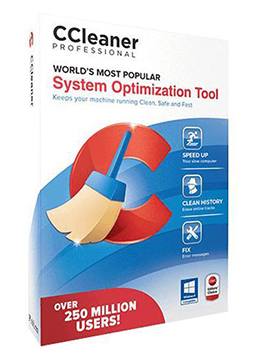
CCleaner Professional for Android
CCleaner Professional for Android is the paid version of the CCleaner cleaning app from the makers of CCleaner for Windows and Mac. It safely removes unnecessary data, frees up storage, helps you tidy up your photo library and shows which apps drain your battery or use up your mobile data. The Pro version is ad-free and can clean automatically on a schedule.
Key features
Everything CCleaner Professional for Android can do.
System requirements
Where you can run CCleaner Professional for Android.
How it works
Frequently asked questions
Product information
| Delivery Method: | Electronically by e-mail |
| Type of license: | New (license validity starts from your first activation) |
| Language: | English, Czech, Finnish, French, Dutch, Hungarian, German, Polish, Slovak |
| Compatibility: | Android 5 and later |
| Licence validity: | 36 months |
| Number of devices: | 1 device |
| Manufacturer: | Piriform |
Product instructions
CCleaner Professional for Android
Installation and activation
- On a phone or tablet running Android 10.0 or later, open the Google Play Store, search for CCleaner by Piriform and tap Install.
- Open the app and accept the End User Licence Agreement (EULA) and the Privacy Policy.
- Tap Upgrade in the top-right corner, then tap Already Purchased? at the bottom of the screen followed by Already have a subscription?.
- On the My subscription screen, tap Use an activation code, enter the activation code from your e-mail and tap Use this Code.
- Your CCleaner Professional subscription is now active – the ads disappear and you can set up scheduled cleaning (Scheduler) in the menu.
––––> Download CCleaner for Android <––––
––––> How to use a CCleaner for Android activation code <––––
