


New license
New product
New license
New product
CCleaner Professional Plus 3 devices, 3 years
25.11 €
Language


Compatibility



- Description
- Information
- Instructions
Product description
CCleaner Professional Plus
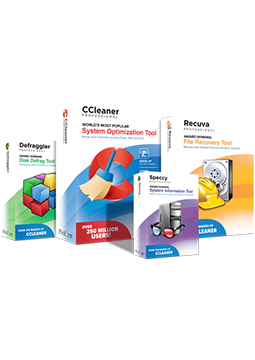
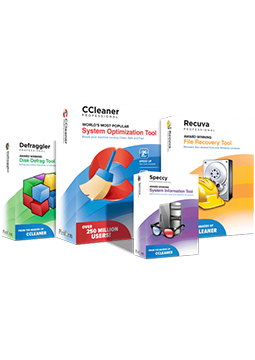
CCleaner Professional Plus is a household bundle that, besides CCleaner Professional for Windows, includes CCleaner Pro for Mac, CCleaner Pro for Android and the Recuva Professional and Speccy Professional tools. A single licence can be used on up to three Windows, macOS or Android devices. On top of Professional: recovery of deleted files and detailed hardware information.
Key features
Everything CCleaner Professional Plus can do.
System requirements
Where you can run CCleaner Professional Plus.
How it works
Frequently asked questions
Product information
| Delivery Method: | Electronically by e-mail |
| Type of license: | New (license validity starts from your first activation) |
| Language: | English, Czech, Hungarian, German, Polish, Slovak |
| Compatibility: | Android 6 and later, MacOS10.12 and later, Windows 7 and later |
| Licence validity: | 36 months |
| Number of devices: | 3 devices |
| Edition: | Version 2026 (the license is intended for the latest version of the program) |
| Manufacturer: | Piriform |
Product instructions
CCleaner Professional Plus
Installation and activation
- On your Windows PC, download CCleaner from the official website, run the installer, click Yes in the User Account Control prompt and complete the installation.
- Launch CCleaner 7, click Settings in the bottom-left corner, under My Subscription click Enter license key, paste the licence key from your e-mail and confirm with Activate.
- Download Recuva and Speccy (Windows only) from their official pages on the CCleaner website, install them and register them with the details exactly as they appear in your licence e-mail.
- On a Mac, download and install CCleaner for Mac, click CCleaner in the menu bar › Insert Activation Code (or press Cmd ⌘ + K), enter the code and click Activate.
- On Android, install CCleaner (Piriform) from the Google Play Store, tap Upgrade › Already Purchased? › Already have a subscription? and on the My subscription screen choose Use an activation code. Enter the code and confirm with Use this Code.
- Check on each device that the licence is active – on Windows under My Subscription in Settings.
––––> Download CCleaner for Windows <––––
––––> Download CCleaner for Mac <––––
––––> Activating CCleaner for Android with an activation code <––––
