


Windows
Lifetime license
Non-transferable license
Windows
Lifetime license
Non-transferable license
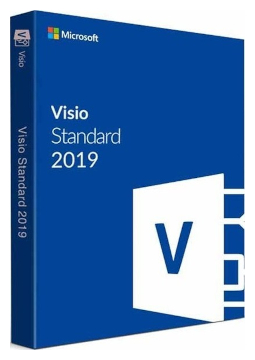
Microsoft Visio Standard 2019
15.99 €
Language


Compatibility




- Description
- Information
- Instructions
Product description
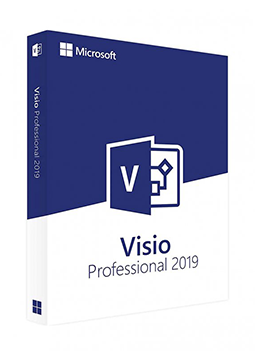
Microsoft Visio 2019
Visio 2019 is Microsoft's desktop diagramming app for Windows, available in Standard and Professional editions. Templates and shapes let you quickly draw flowcharts, organisation charts or network diagrams; Professional also adds UML diagrams, database models and website wireframes, among other things. Microsoft ended support for Visio 2019 on 14 October 2025, so it no longer releases security updates. Perpetual licence for one device, no subscription.
Key features
Everything Microsoft Visio 2019 can do.
System requirements
Where you can run Microsoft Visio 2019.
How it works
Frequently asked questions
Product information
| Delivery Method: | Electronically by e-mail |
| Type of license: | Secondary |
| Language: | English, Czech, Finnish, French, Hungarian, German, Polish, Slovak, Swedish |
| Compatibility: | Windows 10, Windows Server 2019 |
| Licence validity: | Forever |
| Number of devices: | 1 device |
| Manufacturer: | Microsoft |
Product instructions
Microsoft Visio 2019
Installation and activation
- Go to setup.office.com, sign in with your Microsoft account (or create one for free) and enter the product key from the e-mail. This links Visio 2019 to your account – after that you will not need the key again.
- Sign in with the same account at account.microsoft.com, select Subscriptions in the header, find Visio 2019 and choose Install. To pick another language or the 64-bit version, use Other options.
- Run the downloaded file and confirm the User Account Control prompt. Once installation is complete, you will find Visio in the Start menu.
- Start Visio and accept the licence terms – a version linked to a Microsoft account activates automatically.
- If the licence is activated directly in the app, open File > Account, choose Change Product Key under Product Information, enter the key from the e-mail and confirm the activation.
- Check under File > Account that Visio is activated. If online activation fails, the activation wizard offers activation by telephone.
––––> Redeem your product key – setup.office.com <––––
––––> Microsoft guide: install Visio <––––
––––> Visio 2019 lifecycle – Microsoft <––––
