


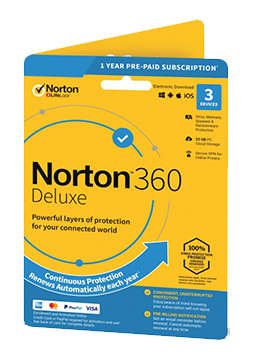
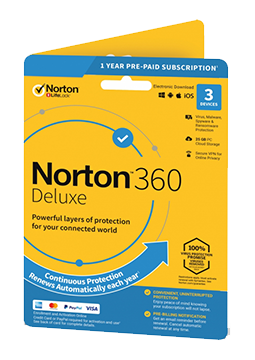
Norton 360 Deluxe 25 GB 3 devices, 3 years
60.05 €
Language


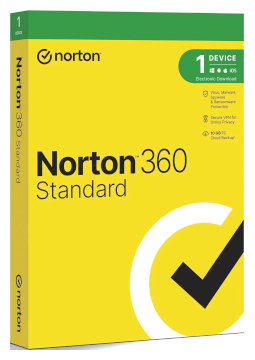
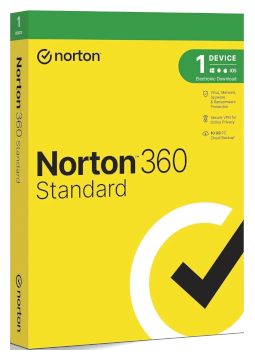


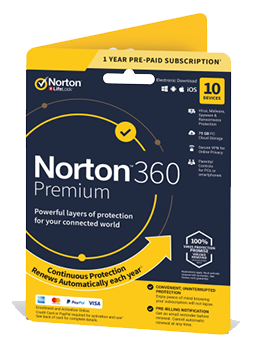
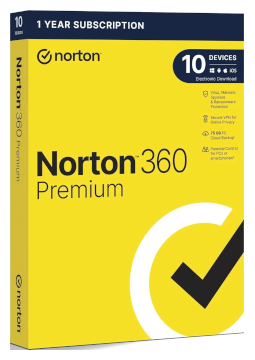
- Description
- Information
- Instructions
Product description
Norton 360 Deluxe
Norton 360 Deluxe protects 3 or 5 devices, depending on the option you choose – Windows PCs, Macs, phones and tablets. Alongside antivirus and AI-powered Scam Protection, it includes Norton VPN, Password Manager, Parental Control, SafeCam and PC Cloud Backup. One subscription for every device in your household.
Key features
Everything Norton 360 Deluxe can do.
Norton versions compared
What each version can do – choose the one that suits you.
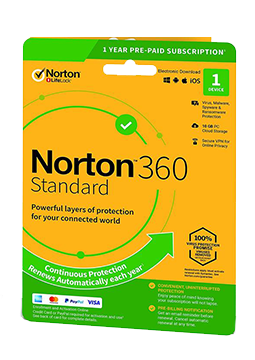
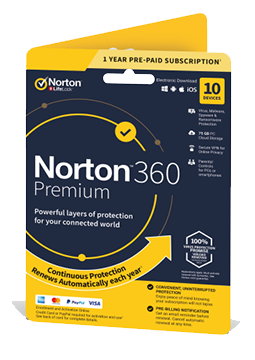
| Product comparison | AntiVirus Plus | 360 Standard | 360 Deluxe | 360 Premium | 360 Platinum |
| Supported platforms | | | | | |
| DEVICE PROTECTION | |||||
| Devices protected (PC, Mac, phone or tablet) | 1 | 1 | up to 5 | up to 10 | up to 20 |
| Real-time protection against viruses, malware, ransomware and hackers | | | | | |
| Smart Firewall for PC and Firewall for Mac | | | | | |
| SafeCam – alerts about attempts to access your webcam (Windows) | | | | | |
| Cloud Backup for Windows PCs | 2 GB | 10 GB | up to 50 GB | 75 GB | 100 GB |
| SCAM PROTECTION | |||||
| Safe Web – warnings about dangerous and fake websites | | | | | |
| Safe SMS – AI detection of scams in text messages | | | | | |
| Deepfake Protection – flags AI-faked videos (English-language videos, Windows 11) | | | | | |
| Norton Genie AI assistant with tips on spotting scams | | | | | |
| PRIVACY AND FAMILY | |||||
| Norton VPN – encrypted connection with uncapped traffic | | | | | |
| Password Manager for passwords, payment cards and logins | | | | | |
| Parental Control (children's Windows, Android and iOS devices) | | | | | |
| View products | View products | View products | View products | View products | |
System requirements
Where you can run Norton 360 Deluxe.
How it works
Frequently asked questions
Product information
| Delivery Method: | Electronically by e-mail |
| Type of license: | New (license validity starts from your first activation) |
| Language: | English, Arabic, Czech, Chinese, Danish, Finnish, French, Hebrew, Dutch, Italian, Japanese, Korean, Hungarian, German, Norwegian, Polish, Portuguese, Greek, Romanian, Russian, Slovak, Spanish, Swedish, Turkish |
| Licence validity: | 36 months |
| Number of devices: | 3 devices |
| Manufacturer: | Norton |
Product instructions
Norton 360 Deluxe
Installation and activation
- Go to norton.com/setup, enter the 25-character product key from your e-mail (five groups of five characters) and click Next.
- Enter your e-mail address and click Next. Sign in to your Norton account with your password or a one-time code sent by e-mail; if you don't have an account, click Create an account and complete the sign-up.
- If you are asked to set up automatic renewal, follow the on-screen instructions. Then read the License and Services Agreement and click Agree and Download.
- Run the downloaded file and click Install Norton 360. The product installs and activates automatically.
- To add more devices, sign in at my.norton.com and click Download. You can send the link to a phone or tablet by e-mail or text message, or scan a QR code; install the Norton 360 app from Google Play or the App Store and sign in with the same account.
- To confirm activation, check the protection status shown in the app after installation. At my.norton.com, hover over your profile icon and click My Subscriptions to see your subscription and product key.
––––> Activate your product key – norton.com/setup <––––
––––> Guide: Norton product bought from a retailer <––––
––––> Guide: install Norton 360 on your phone or tablet <––––
