


Android
Android
FREE gift with every order.
In stock
Expected delivery within 5 minutes.
Delivery within a maximum of 15 minutes.
The license starts when the code is activated.
Lifetime warranty.
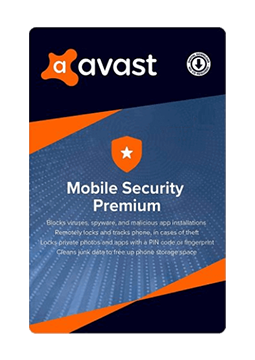
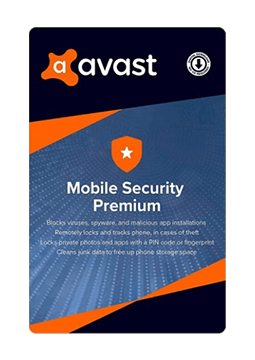
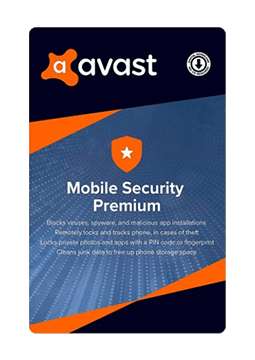
Avast Mobile Security Premium 1 device, 2 years
14.99 €
You will receive this product digitally by e-mail
Language


Compatibility

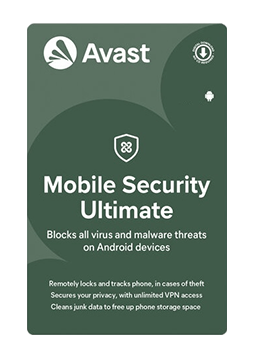
- Description
- Information
- Instructions
Product description
More than just a mobile antivirus
Avast Mobile Security Premium
Complete security for your Android phone. It stops viruses and scam links, locks sensitive apps and hides private photos in an encrypted vault. Ad-free, with support whenever you need it.
Real-time antivirus
Scans apps and files and stops viruses, ransomware and malware before they do harm.
Safe browsing
Blocks malicious websites and scam links and checks the security of Wi-Fi networks.
App lock and vault
Locks sensitive apps and hides private photos out of everyone else’s reach.
Scam protection
Warns you about scam texts, calls and dangerous links in messages and emails.
Key features
What Avast Mobile Security Premium can do.
Scans apps and files in real time
Blocks malicious websites and scam links
Checks the security of the Wi-Fi networks you connect to
Locks sensitive apps with a PIN or fingerprint
Hides private photos in a secure vault
Scans your device automatically on the day and time you choose
Monitors up to 5 email addresses for password leaks (Hack Alerts)
Removes ads from the app
Shows how you use your apps and which permissions they need
Protects you from scam messages and links too
Direct support whenever you are unsure
Avast mobile version comparison
What each version can do and where Premium goes further.
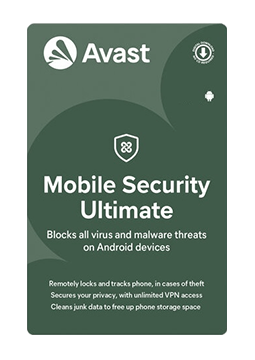
| Product comparison | Avast Mobile Security | Avast Mobile Security Premium | Avast Mobile Ultimate |
| BASIC PROTECTION | |||
| Supported system | | | |
| Virus and malware protection | | | |
| Blocking malicious sites and links | | | |
| Wi-Fi security check | | | |
| Password leak alerts (Hack Alerts) | | | |
| PREMIUM FEATURES | |||
| Ad-free app | | | |
| App lock | | | |
| Unlimited photo vault | | | |
| Scam text and call protection | | | |
| Direct support | | | |
| EXTRA APPS IN THE PACKAGE | |||
| SecureLine VPN (encrypted connection) | | | |
| Cleanup Premium (cleaning and speed-up) | | | |
| VPN built into the security app | | | |
| View products | View products | View products | |
Instant delivery
Code by e-mail within minutes
Legality guarantee
Verified licences
Secure payment
Protection of your data
Gift with purchase
With every order
Product information
| Delivery Method: | Electronically by e-mail |
| Type of license: | New (license validity starts from your first activation) |
| Language: | English, Czech, Hungarian, German, Polish, Slovak |
| Compatibility: | Android 6 and later |
| Licence validity: | 24 months |
| Number of devices: | 1 device |
| Manufacturer: | Avast |
Product instructions
Avast Mobile Security Premium
Installation and activation
- On a phone or tablet with Android 10 or later, open Google Play Store and install the Avast One app – Avast is gradually replacing the former Avast Mobile Security with it, and all new installations now use Avast One.
- Open Avast One, go through the welcome screens and grant the requested permissions.
- In the top-right corner tap Upgrade, scroll down and tap Already purchased?.
- Select Use an activation code, paste the code from your email including the hyphens and tap Next.
- If you still have the original Avast Mobile Security app, tap Account ▸ Subscription ▸ Use an activation code, paste the code and tap Continue.
- Check that the premium features are unlocked and run your first device scan.
––––> How to install Avast One (official guide) <––––
––––> How to activate premium Avast One features <––––
––––> How to activate the original Avast Mobile Security <––––
