


Windows
Windows
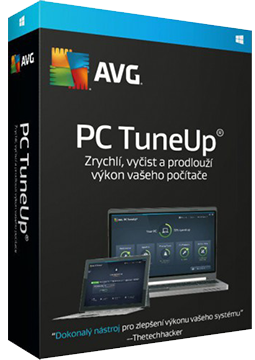
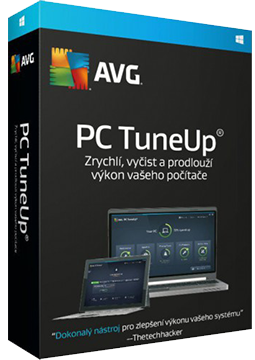
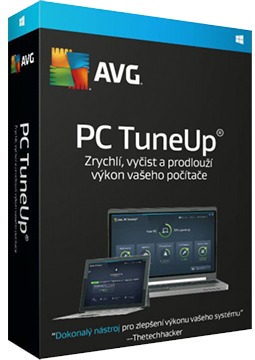
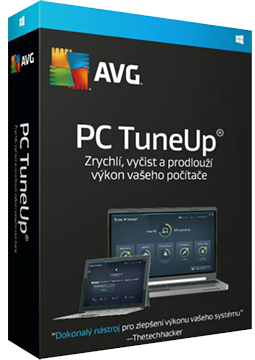
AVG TuneUp 3 devices, 3 years
37.5 €
Language


Compatibility

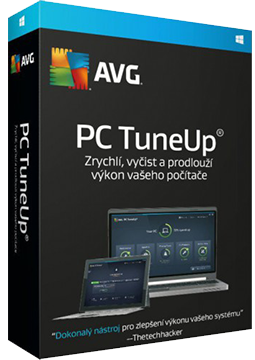

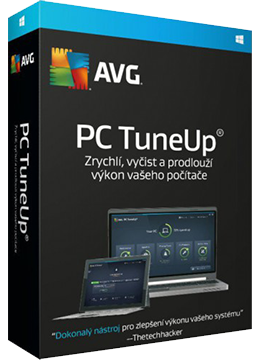
- Description
- Information
- Instructions
Product description
AVG TuneUp
AVG TuneUp speeds up an older computer and helps a new one run better. It puts resource-hungry programs to sleep, frees up disk space, cleans your browsers and registry and updates installed programs automatically. Besides Windows, it is also available for Mac, and multi-device licences cover Android too. Automatic maintenance looks after your computer without you lifting a finger.
- Licence for 1, 3 and 5 devices: Windows only.
- Licence for 10 devices (multi-device): Windows, macOS, Android and iOS.
Key features
Everything AVG TuneUp can do.
System requirements
Where you can run AVG TuneUp.
How it works
Frequently asked questions
Product information
| Delivery Method: | Electronically by e-mail |
| Type of license: | New (license validity starts from your first activation) |
| Language: | English, Czech, Hungarian, German, Polish, Slovak |
| Compatibility: | Windows 7 and later |
| Licence validity: | 36 months |
| Number of devices: | 3 devices |
| Manufacturer: | AVG |
Product instructions
AVG TuneUp
Installation and activation
- Open the official AVG guide (link below) and download the installer – avg_tuneup_online_setup.exe on Windows, avgtuneup.dmg on Mac.
- Windows: run the downloaded file, click Install and follow the on-screen instructions. Mac: double-click Install AVG TuneUp Premium and complete the installation.
- Windows: open AVG TuneUp, click Settings (the gear icon), make sure the My subscription tab is selected, click the My subscription button and then Enter activation code.
- Paste the licence key from your e-mail (Ctrl+V) and click Enter. On Mac, open AVG TuneUp from the Applications folder, choose Insert activation code, paste the code and click Activate.
- Android (multi-device licences): install AVG Cleaner from Google Play via the guide, choose Get started ▸ Already purchased? ▸ Use an activation code, paste the code and tap Use this code.
- Run your first scan from the main screen and review the recommended fixes. If a valid code is rejected, use the AVG activation form linked from the official guide.
––––> How to install and activate AVG TuneUp <––––
––––> Activating AVG TuneUp – detailed article <––––
