


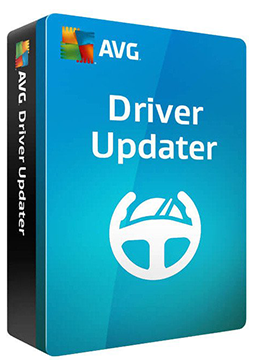
AVG Driver Updater 3 devices, 3 years
19.58 €
Language


Compatibility

- Description
- Information
- Instructions
Product description
AVG Driver Updater
AVG Driver Updater scans your Windows PC for outdated, missing or broken drivers. From a database of more than 50 million drivers from over 1,300 trusted brands, it installs verified versions so your PC crashes and freezes less and your audio, graphics and Wi-Fi work better. Before every update it backs up your drivers and creates a system restore point.
Key features
Everything AVG Driver Updater can do.
System requirements
Where you can run AVG Driver Updater.
How it works
Frequently asked questions
Product information
| Delivery Method: | Electronically by e-mail |
| Type of license: | New (license validity starts from your first activation) |
| Language: | English, Czech, Hungarian, German, Polish, Slovak |
| Compatibility: | Windows 7 and later |
| Licence validity: | 36 months |
| Number of devices: | 3 devices |
| Manufacturer: | AVG |
Product instructions
AVG Driver Updater
Installation and activation
- Open the official AVG guide (link below) and click Download AVG Driver Updater.
- Run the downloaded avg_driver_updater_online_setup.exe file (ideally right-click ▸ Run as administrator), click Install and follow the on-screen instructions.
- Open AVG Driver Updater by double-clicking the desktop icon, click Menu and select Enter activation code.
- Paste the licence key from your e-mail (Ctrl+V) and click Enter (if asked, enter your name, e-mail and postcode).
- Run a scan, review the outdated drivers found and update the ones you select. Some drivers may require a restart.
- If a valid code is rejected, use the AVG activation form linked from the official guide.
––––> How to install and activate AVG Driver Updater <––––
––––> Activating AVG Driver Updater – detailed article <––––