


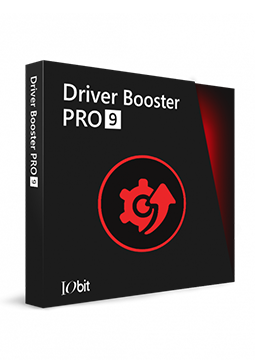
IObit Driver Booster Pro 3 devices, 1 year
17.49 €
Language


Compatibility

- Description
- Information
- Instructions
Product description
Driver Booster 14 PRO
Driver Booster 14 PRO from IObit finds outdated, missing and faulty drivers and replaces them with verified versions from a database of more than 23 million drivers. It also updates Game Ready drivers for NVIDIA, AMD and Intel and restores missing game DLLs. The PRO edition updates automatically, backs up drivers before installing new ones and adds tools for fixing sound, network and device errors. Every driver passes Microsoft WHQL verification and an IObit security scan.
Key features
Everything Driver Booster 14 PRO can do.
System requirements
Where you can run Driver Booster 14 PRO.
How it works
Frequently asked questions
Product information
| Delivery Method: | Electronically by e-mail |
| Type of license: | New (license validity starts from your first activation) |
| Language: | English, Czech, Hungarian, German, Polish, Slovak |
| Compatibility: | Windows 7 and later |
| Licence validity: | 12 months |
| Number of devices: | 3 devices |
| Manufacturer: | IObit |
Product instructions
Driver Booster 14 PRO
Installation and activation
- On the official Driver Booster page, click the download button and save the installer.
- Run the downloaded driver_booster_setup.exe file and follow the on-screen instructions to complete the installation.
- Open Driver Booster and click the Enter Code link in the bottom-left corner of the main window.
- Paste the licence code from your email, click Activate and confirm with OK.
- Once activated, the Enter Code link in the bottom-left corner is replaced by Manage License – the program is now running as PRO.
- Click SCAN and update the drivers found with the Update Now button.
––––> Download Driver Booster <––––
––––> Driver Booster PRO activation guide <––––
––––> Driver Booster user manual <––––
