


Windows
Windows
FREE gift with every order.
In stock
Expected delivery within 5 minutes.
Delivery within a maximum of 15 minutes.
The license starts when the code is activated.
Lifetime warranty.
Avast Ultimate 1 device, 3 years
47.99 €
You will receive this product digitally by e-mail
Language


Compatibility




- Description
- Information
- Instructions
Product description
Complete protection in one package
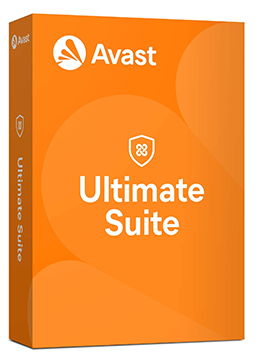
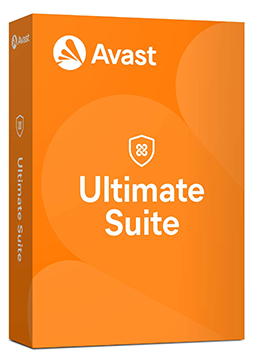
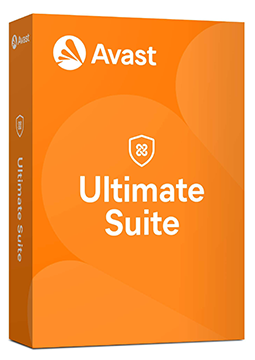
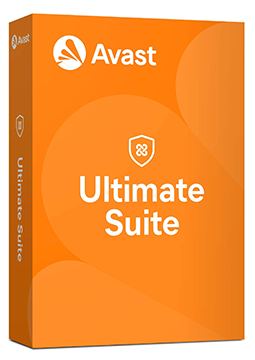
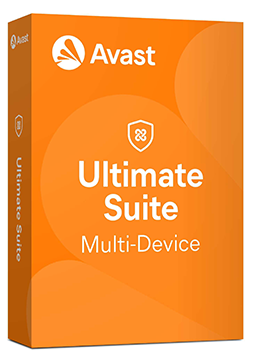
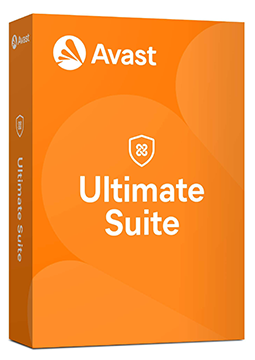
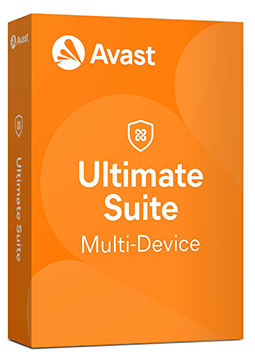
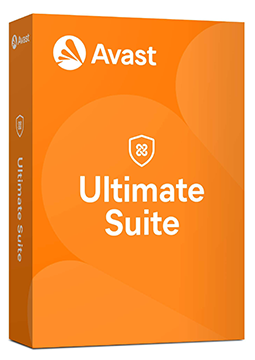
Avast Ultimate
Combines advanced antivirus protection, a VPN for anonymous browsing, AntiTrack to stop online tracking and tools that speed up your device. Your device, privacy and online payments are safe.
Compatibility by variant
- Licence for 1, 3 and 5 devices: Windows only.
- Licence for 10 devices (multi-device): Windows, macOS, Android and iOS.
The exact compatibility of each variant is listed in its OS compatibility parameter.
Avast Premium Security
Protects your computer in real time against viruses, ransomware, malware and unknown threats.
Avast Cleanup Premium
Speeds up and cleans even the slowest computer – frees up space and clears out clutter.
Avast Premium VPN (formerly SecureLine VPN)
Helps protect your privacy and secure your data wherever you connect from.
Avast AntiTrack
Masks your online identity and stops websites from tracking your behaviour.
Avast versions compared
What each version can do and where Ultimate goes further.
| Product comparison | Avast Free Antivirus | Avast Premium Security | Avast Ultimate |
| GENERAL PROTECTION | |||
| Multi-platform support | | | |
| Virus and malware protection | | | |
| Phishing protection | | | |
| Web browsing protection | | | |
| Wi-Fi security check | | | |
| ADVANCED PROTECTION | |||
| Ransomware protection | | | |
| Firewall | | | |
| Webcam protection | | | |
| Payment and sensitive data protection | | | |
| PREMIUM FEATURES | |||
| VPN (Premium VPN) | | | |
| AntiTrack (anti-tracking) | | | |
| Cleanup (device speed-up) | | | |
| View products | View products | View products | |
Instant delivery
Key by e-mail within minutes
Guarantee of legality
Verified licences
Secure payment
Your data protected
Free gift
With every order
Product information
| Delivery Method: | Electronically by e-mail |
| Type of license: | New (license validity starts from your first activation) |
| Language: | English, Czech, Hungarian, German, Polish, Slovak |
| Compatibility: | Windows 7 and later |
| Licence validity: | 36 months |
| Number of devices: | 1 device |
| Manufacturer: | Avast |
Product instructions
Avast Ultimate
Installation and activation
- Open Avast's official activation guide (link below) and download the Avast Premium Security setup file on your Windows PC.
- Right-click the file, select Run as administrator, click Yes and complete the installation by following the on-screen instructions.
- On the main screen, go to ☰ Menu ▸ Enter activation code, paste the licence key from your e-mail including the hyphens and click Enter.
- Click Activate & install – the other apps in the bundle (Cleanup Premium, VPN and AntiTrack) are installed and activated too; untick any you don't want yet.
- On a Mac, install Avast Security, open ☰ Menu ▸ My subscriptions, click Activate paid features, enter the code and then click Install next to the other apps. On Android and iOS, install the apps from the store and activate them with the same code.
- In ☰ Menu ▸ My subscriptions, check that all apps in the bundle are active; activate further devices with the same key up to the limit of your chosen option.
––––> How to install and activate Avast Ultimate <––––
––––> Avast Ultimate – FAQs and what's included <––––
