


Windows
Non-transferable license
Windows
Non-transferable license
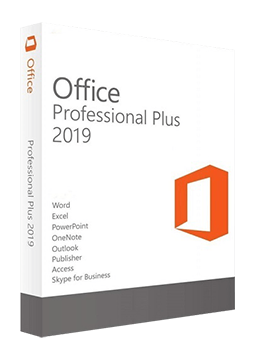
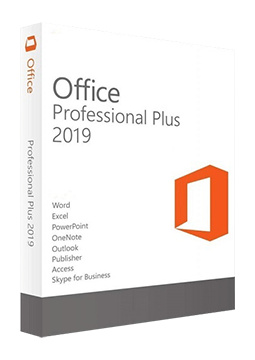
Microsoft Office 2019 Professional Plus – Non-transferable license
24.47 €
Language


Compatibility

-
-
Windows
Transferable license
Linked to Microsoft Account
-
- Description
- Information
- Instructions
Product description
Microsoft Office 2019
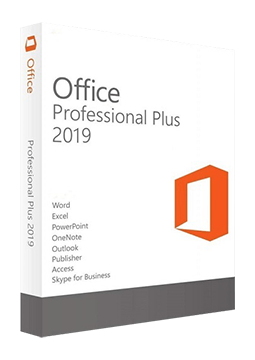
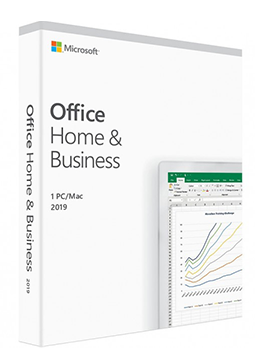
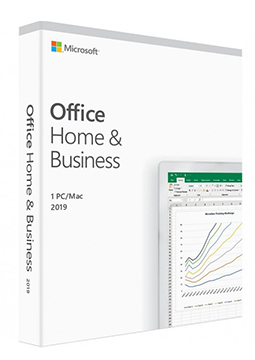
Office 2019 is the version of the Microsoft Office suite sold with a one-time licence and no subscription. Office Professional Plus 2019 for Windows includes Word, Excel, PowerPoint, Outlook, OneNote, Access, Publisher and Skype for Business, while Office Home & Business 2019 is for one Windows PC or Mac. Support for Office 2019 for Windows ended on 14 October 2025 – the apps keep working but no longer receive security updates. A one-time licence for one computer – no monthly fees.
Key features
Everything Microsoft Office 2019 can do.
System requirements
Where you can run Microsoft Office 2019.
How it works
Frequently asked questions
Product information
| Delivery Method: | Electronically by e-mail |
| Type of license: | New (license validity starts from your first activation) |
| Activation type: | online (in the Office application) |
| Language: | English, Czech, Finnish, French, Hungarian, German, Polish, Slovak, Swedish |
| Compatibility: | Windows |
| Licence validity: | Forever |
| Number of devices: | 1 device |
| Manufacturer: | Microsoft |
Product instructions
Microsoft Office 2019
Installation and activation
- Office Professional Plus 2019 (Windows): download the Office Deployment Tool from the Microsoft Download Center and extract it; you will get setup.exe and sample configuration files.
- Prepare a configuration.xml file for Office Professional Plus 2019 as described in Microsoft's guide, then run the installation in a Command Prompt opened as administrator with setup /configure configuration.xml.
- Start Word, select I don't want to sign in or create an account in the Sign in to set up Office window and enter the product key from your e-mail without hyphens.
- Office Home & Business 2019 (Windows and Mac): go to setup.office.com, sign in with your Microsoft account, enter the product key without hyphens and finish redeeming it – the licence is added to your account.
- Install Office from the Microsoft account the licence belongs to, start Word and sign in with the same account.
- You can check the activation status in any Office app under File > Account.
––––> Redeem your product key (setup.office.com) <––––
––––> Where to enter your Office product key (Microsoft) <––––
––––> Download the Office Deployment Tool (Microsoft) <––––
