


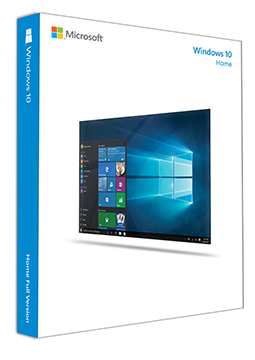
Windows 10 Home – New license, Non-transferable license
17.9 €
Language


- Description
- Information
- Instructions
Product description
Windows 10 Home
Windows 10 Home is the home edition of Windows 10 in its final version 22H2, with the familiar desktop, the Windows Security app and Windows Hello sign-in. Regular support ended on 14 October 2025, but you can keep receiving security updates through the Extended Security Updates (ESU) programme, which Microsoft offers until 12 October 2027. The licence activates both the 32-bit and the 64-bit version of Windows 10 Home.
Key features
Everything Windows 10 Home can do.
System requirements
Where you can run Windows 10 Home.
How it works
Frequently asked questions
Product information
| Version: | 32 bit, 64 bit |
| Delivery Method: | Electronically by e-mail |
| License version: | OEM |
| Language: | English, Czech, Finnish, French, Hungarian, German, Polish, Slovak, Swedish |
| Manufacturer: | Microsoft |
Product instructions
Windows 10 Home
Installation and activation
- If Windows 10 is not yet installed, download the Media Creation Tool from Microsoft's official page and create a USB installation drive (at least 8 GB) or an ISO file – choose the language, edition and 32-bit or 64-bit architecture.
- Boot the computer from the USB drive (change the boot order in BIOS or UEFI if needed) and install Windows 10 Home.
- After installation, open Start > Settings > Update & Security > Activation and click Change product key.
- Enter the 25-character licence key from your e-mail and select Next – Windows activates over the internet.
- Check on the Activation page that the system is activated. To keep receiving security updates, enrol your PC in the ESU programme as described on Microsoft's page.
––––> Download Windows 10 (Microsoft) <––––
––––> Activate Windows (Microsoft) <––––
––––> Windows 10 Extended Security Updates (Microsoft) <––––
