


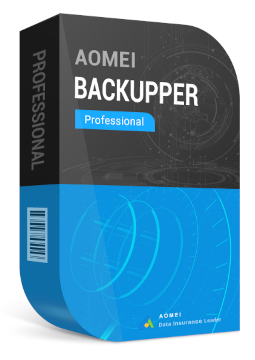
AOMEI Backupper Pro Family 5 devices
92.99 €
Language


Compatibility


- Description
- Information
- Instructions
Product description
AOMEI Backupper Pro Family
AOMEI Backupper Pro Family is a lifetime licence for AOMEI Backupper Professional covering 5 Windows PCs. It backs up your system, disks, partitions and files, restores them even to different hardware, migrates your system to an SSD and syncs files. With a single purchase you protect every computer in your household. One licence, 5 PCs and upgrades for life.
Key features
Everything AOMEI Backupper Pro Family can do.
System requirements
Where you can run AOMEI Backupper Pro Family.
How it works
Frequently asked questions
Product information
| Delivery Method: | Electronically by e-mail |
| Type of license: | New (license validity starts from your first activation) |
| Language: | English, French, Italian, German, Polish, Spanish |
| Compatibility: | Windows 7 and later, Windows XP and later |
| Licence validity: | Forever |
| Number of devices: | 5 devices |
| Manufacturer: | AOMEI |
Product instructions
AOMEI Backupper Pro Family
Installation and activation
- On the official AOMEI Backupper Download Center page, download AOMEI Backupper Professional (Try for Free button) – your Pro Family licence activates this edition.
- Run the downloaded installer, click Next in the wizard and complete the installation. If prompted, restart your computer.
- Launch AOMEI Backupper. The registration window opens automatically; otherwise click Menu > Register.
- Paste the licence code from your e-mail (with no spaces before or after) and click Activate. The computer needs a stable internet connection.
- Computer without internet access: start the program offline and click Register. At aomeitech.com/get-offline-key.html, enter your licence code and the Machine Code shown in the offline registration window, then paste the offline key into the program and click Activate.
- After activation, create your first backup (Backup > System Backup) and prepare rescue media in case Windows fails to start (Tools > Create Bootable Media).
––––> Download AOMEI Backupper Professional <––––
––––> How to register AOMEI Backupper <––––
––––> AOMEI Backupper help <––––
