


Windows
Windows
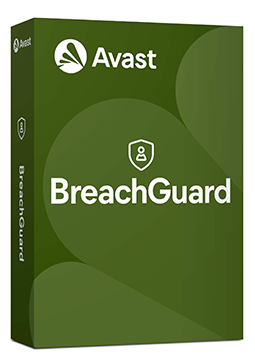
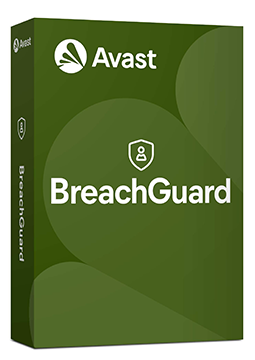
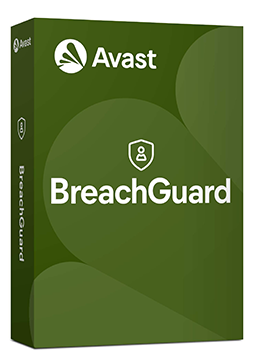
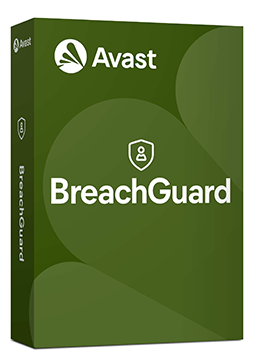
Avast Breachguard 3 devices, 3 years
51.99 €
Language


Compatibility



- Description
- Information
- Instructions
Product description
Avast BreachGuard
Your passwords and personal data get out through data breaches you often never hear about. BreachGuard watches the dark web, alerts you and helps you put things right. You find out before anyone can misuse it.
- All variants of this licence are for Windows only.
Key features
What Avast BreachGuard can do.
How BreachGuard works
Set it up once, then it takes care of everything on its own.
When your password leaks from another company’s server, an antivirus can do nothing about it — nothing happened on your computer. BreachGuard is the part of your protection that guards you, not just your device.
Product information
| Delivery Method: | Electronically by e-mail |
| Type of license: | New (license validity starts from your first activation) |
| Language: | English, Czech, Hungarian, German, Polish, Slovak |
| Compatibility: | Windows 7 and later |
| Licence validity: | 36 months |
| Number of devices: | 3 devices |
| Manufacturer: | Avast |
Product instructions
Avast BreachGuard
Installation and activation
- Open Avast's official installation guide (link below) and download the setup file for Windows (avast_breachguard_online_setup.exe) or Mac (avast-breachguard.dmg).
- On Windows, right-click the file, select Run as administrator, click Yes, review the licence agreement and click Install. On a Mac, drag the Avast BreachGuard icon into the Applications folder.
- After installation, select Sign in or Create Account and sign in to your Avast Account in the browser (or create one), then follow the browser prompt to return to the app.
- If the app asks for an activation code, paste the licence key from your e-mail including the hyphens and click Activate.
- If activation fails, choose Get a sign-in key instead in the browser, click Copy to clipboard and paste the key into BreachGuard.
- Add the e-mail addresses you want monitored in ☰ Menu ▸ Settings ▸ Emails and confirm them in your inbox.
––––> Download Avast BreachGuard and installation guide <––––
––––> How to activate Avast BreachGuard <––––