


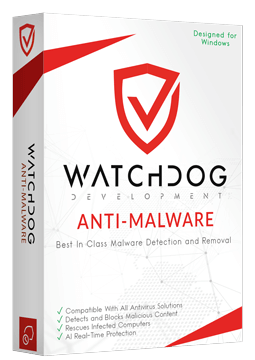
Watchdog Anti-Malware 1 device, 2 years
24.99 €
Language


Compatibility




- Description
- Information
- Instructions
Product description
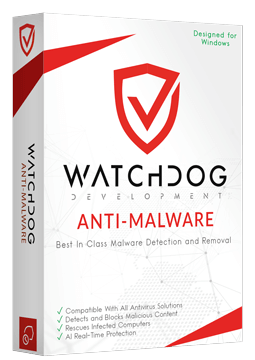
Watchdog Anti-Malware
Watchdog Anti-Malware is a multi-engine malware scanner for Windows that works as a second opinion alongside your antivirus and catches threats your antivirus misses. It removes malware, browser hijackers, rootkits and bootkits, and also protects your PC in real time. No need to uninstall your antivirus – Watchdog Anti-Malware works alongside it.
Key features
Everything Watchdog Anti-Malware can do.
System requirements
Where you can run Watchdog Anti-Malware.
How it works
Frequently asked questions
Product information
| Delivery Method: | Electronically by e-mail |
| Type of license: | New (license validity starts from your first activation) |
| Language: | English, Hungarian, German |
| Compatibility: | Windows 7 and later |
| Licence validity: | 24 months |
| Number of devices: | 1 device |
| Manufacturer: | Watchdog Development |
Product instructions
Watchdog Anti-Malware
Installation and activation
- On the official Watchdog Product Downloads page, click Download Installer under Watchdog Anti-Malware to download the installer. You do not need to uninstall your current antivirus.
- Run the downloaded file and click Next in the wizard until you reach Finish.
- Open Watchdog Anti-Malware and click the License box in the bottom-left corner of the window.
- Click Activate License, enter the licence key from your e-mail including the dashes and confirm with Activate.
- In the License section, check that the licence is active and make sure Realtime Protection is enabled.
- Run your first scan with the Scan Now button.
––––> Download Watchdog Anti-Malware <––––
––––> Watchdog Anti-Malware licence activation guide <––––
––––> Watchdog Anti-Malware FAQ <––––
