


Windows / Mac OS
Android / iOS
New license
Windows / Mac OS
Android / iOS
New license
McAfee Total Protection Plus Safe Connect VPN 10 devices, 1 year
24.99 €
Language


Compatibility


-
-
-
-
-
Windows / Mac OS
Android / iOS
New license
-
-
-
-
-
-
-
-
-
-
-



- Description
- Information
- Instructions
Product description
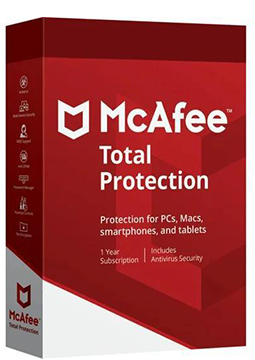
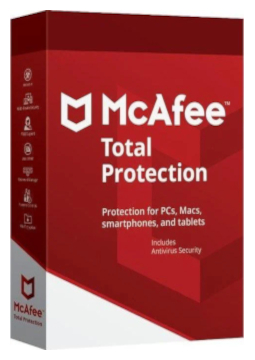
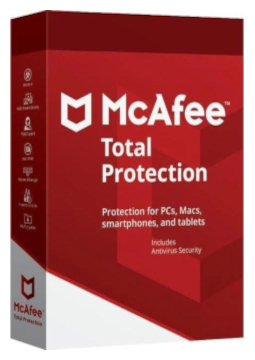
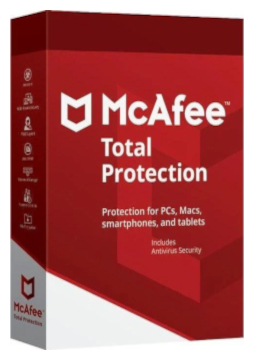
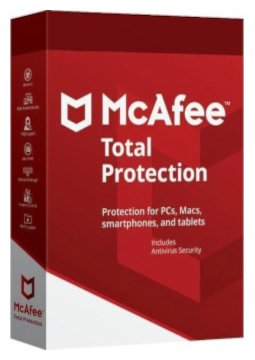
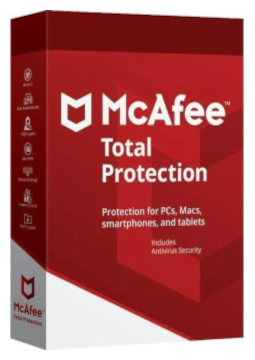
McAfee Total Protection
McAfee Total Protection combines award-winning antivirus, a firewall, a password manager, identity monitoring and Secure VPN in one app for Windows, macOS, Android and iOS. It defends against viruses, online threats and ransomware and helps keep your passwords, personal data and public Wi-Fi connections safe. All-in-one protection for your devices, privacy and identity.
Key features
Everything McAfee Total Protection can do.
McAfee versions compared
What each version can do – choose the one that suits you.
| Product comparison | Total Protection | LiveSafe |
| Supported platforms | | |
| DEVICE PROTECTION | ||
| Award-winning antivirus with online and offline protection against viruses, online threats and ransomware | | |
| McAfee WebAdvisor – warnings about risky websites, links and files | | |
| Vulnerability Scanner – Windows and app updates from a single tool | | |
| PC optimisation – Web Boost and App Boost | | |
| PRIVACY AND IDENTITY | ||
| Password manager that stores, auto-fills and generates passwords | | |
| Identity monitoring, including dark web checks | up to 10 e-mail addresses | up to 10 e-mail addresses |
| Secure VPN with 256-bit encryption | 500 MB a month, unlimited with auto-renewal | with auto-renewal turned on |
| McAfee Shredder – deletes sensitive files completely, leaving no traces | | |
| McAfee QuickClean – removes cookies and temporary files | | |
| FAMILY AND SUPPORT | ||
| McAfee Safe Family parental controls | in the 10-device version | |
| Customer support by phone, chat or online | | |
| View products | View products | |
System requirements
Where you can run McAfee Total Protection.
How it works
Frequently asked questions
Product information
| Delivery Method: | Electronically by e-mail |
| Type of license: | New (license validity starts from your first activation) |
| Language: | English, Czech, Finnish, French, Dutch, Hungarian, German, Polish |
| Compatibility: | Android 7 and later, iOS 13 and later, macOS Sierra (10.12) and later, Windows 8.1 and later |
| Licence validity: | 12 months |
| Number of devices: | 10 devices |
| Manufacturer: | McAfee |
Product instructions
McAfee Total Protection
Installation and activation
- Open McAfee's official activation page (link below) and click Enter product key.
- Paste the licence key from your e-mail and enter your e-mail address. If you don't have a McAfee account yet, one will be created for this address; McAfee will e-mail you a 6-digit one-time passcode to verify it.
- McAfee will offer to turn on auto-renewal, which requires a payment card. It is optional – if you don't want it, click No Thanks.
- Follow the on-screen steps to download and install the McAfee app. To install it on other devices, sign in to My Account on the McAfee website – McAfee will also e-mail you a download link.
- On phones and tablets, install the McAfee Security app from Google Play or the App Store and sign in with the same McAfee account.
- To check activation on Windows, right-click the McAfee icon in the taskbar (bottom right, near the clock) and select Verify Subscription. You can also see your subscription status in My Account.
––––> Activate your McAfee Total Protection key (official McAfee page) <––––
––––> McAfee Total Protection – official product page <––––
––––> McAfee system requirements <––––
