


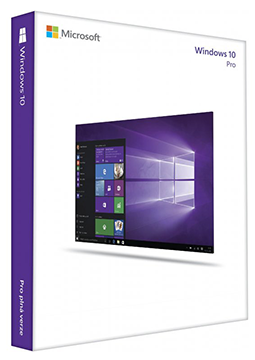
Windows 10 Pro – New license, Non-transferable license
19.9 €
Language


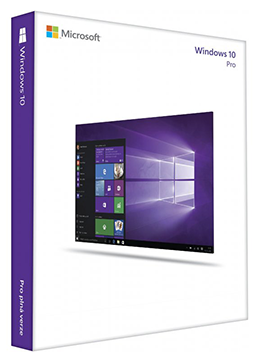
- Description
- Information
- Instructions
Product description
Windows 10 Pro
Windows 10 Pro is the professional edition of Windows 10, adding BitLocker encryption, Remote Desktop hosting, Hyper-V, Windows Sandbox and Microsoft Entra ID join to the Home features. Version 22H2 is the final release and Microsoft ended standard support for Windows 10 on 14 October 2025; home PCs can extend security updates until 12 October 2027 through the ESU programme. If your PC meets the Windows 11 requirements, you can move from Windows 10 Pro to Windows 11 Pro free of charge. New transferable licence for 1 PC, key delivered by e-mail.
Key features
Everything Windows 10 Pro can do.
System requirements
Where you can run Windows 10 Pro.
How it works
Frequently asked questions
Product information
| Version: | 32 bit, 64 bit |
| Delivery Method: | Electronically by e-mail |
| License version: | OEM |
| Language: | English, Czech, Finnish, French, Hungarian, German, Polish, Slovak, Swedish |
| Manufacturer: | Microsoft |
Product instructions
Windows 10 Pro
Installation and activation
- If Windows 10 is not installed yet, download the Media Creation Tool from Microsoft's official website.
- Run it as an administrator, accept the licence terms, choose to create installation media for another PC and select the language, edition and architecture (64-bit or 32-bit). Save the media to a USB flash drive of at least 8 GB or as an ISO file.
- Start the PC from the media and install Windows 10; you can enter the licence key during or after installation.
- After installation, open Start > Settings > Update & Security > Activation and select Change product key.
- Enter the 25-character licence key from the e-mail; when upgrading from Home, confirm the upgrade to Pro and let the PC restart.
- On the Activation page, check that Windows is activated and consider enrolling in ESU or moving to Windows 11.
––––> Download Windows 10 (Microsoft's official website) <––––
––––> Activate Windows – Microsoft Support <––––
––––> Windows edition upgrade – Microsoft documentation <––––
