


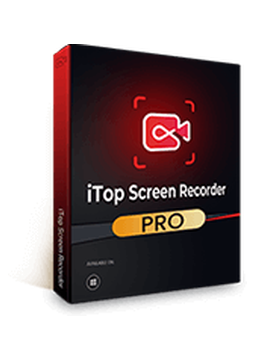
iTop Screen Recorder Pro - 1 Device, 1 Year
19.92 €
Language


Compatibility

- Description
- Information
- Instructions
Product description
iTop Screen Recorder Pro
iTop Screen Recorder Pro is a Windows program for recording your full screen, a selected region or window, your webcam, audio and gameplay. The Pro edition removes the recording time limit and the default watermark, and lets you export videos in up to 4K. It also includes a video editor and AI tools such as text-to-speech and background removal. Record with no time limit and no watermark – then polish the result in the built-in editor.
Key features
Everything iTop Screen Recorder Pro can do.
System requirements
Where you can run iTop Screen Recorder Pro.
How it works
Frequently asked questions
Product information
| Delivery Method: | Electronically by e-mail |
| Type of license: | New (license validity starts from your first activation) |
| Language: | English, Czech, Hungarian, German, Polish, Slovak |
| Compatibility: | Windows 7 and later |
| Licence validity: | 12 months |
| Number of devices: | 1 device |
| Manufacturer: | IObit |
Product instructions
iTop Screen Recorder Pro
Installation and activation
- On the official iTop Screen Recorder page, click the download button and save the installer. The program is designed for 64-bit Windows 7 to 11.
- Run the downloaded installer and follow the on-screen instructions to complete the installation.
- Open iTop Screen Recorder and click the key icon (Register) in the top-right corner of the main window.
- Paste the licence code from your email into the License Code box and click Register.
- Once registered, the program switches to the Pro edition. You can view your licence details by clicking the Options icon and choosing License.
––––> Download iTop Screen Recorder <––––
––––> iTop Screen Recorder activation guide <––––
––––> iTop Screen Recorder user manual <––––
