


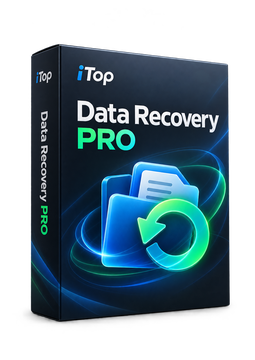
iTop Data Recovery Pro - 1 Device, 1 Year
19.92 €
Language


Compatibility

- Description
- Information
- Instructions
Product description
iTop Data Recovery Pro
iTop Data Recovery Pro recovers deleted or lost files from hard drives, SSDs, USB flash drives, memory cards and even an emptied Recycle Bin. It helps after accidental deletion, formatting, a system crash, a malware attack or a Windows update, and recognises more than 1,000 file formats. You can preview found files for free before recovering them. The entire recovery runs offline on your PC, so you stay in full control.
Key features
Everything iTop Data Recovery Pro can do.
System requirements
Where you can run iTop Data Recovery Pro.
How it works
Frequently asked questions
Product information
| Delivery Method: | Electronically by e-mail |
| Type of license: | New (license validity starts from your first activation) |
| Language: | English, Czech, Hungarian, German, Polish, Slovak |
| Compatibility: | Windows 7 and later |
| Licence validity: | 12 months |
| Number of devices: | 1 device |
| Manufacturer: | IObit |
Product instructions
iTop Data Recovery Pro
Installation and activation
- On the official iTop Data Recovery page, click Download Now and save the installer.
- Run the downloaded file and complete the installation wizard.
- Open iTop Data Recovery and click the registration icon at the top right of the main window.
- Paste the licence code from your e-mail into the License Code box and confirm with Register.
- Check the licence status under Options > License.
- Select a drive or location, start the scan, preview the files found and recover them.
––––> Download iTop Data Recovery <––––
––––> How to activate the licence <––––
