


Windows / Mac OS
Android / iOS
Windows / Mac OS
Android / iOS
FREE gift with every order.
In stock
Expected delivery within 5 minutes.
Delivery within a maximum of 15 minutes.
The license starts when the code is activated.
Lifetime warranty.
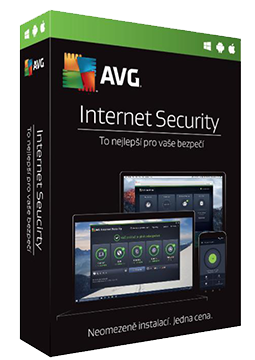
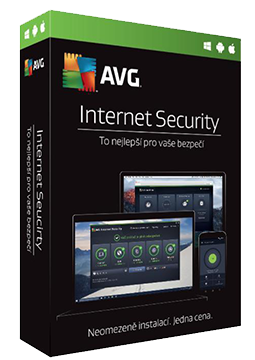
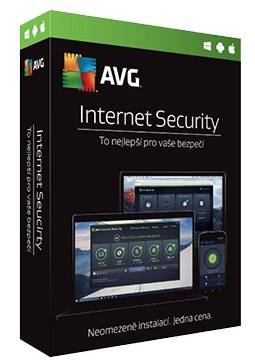
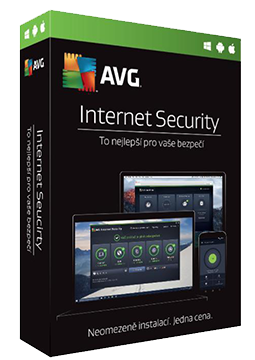
AVG Internet Security 10 devices, 3 years
30.89 €
You will receive this product digitally by e-mail
Language


Compatibility



- Description
- Information
- Instructions
Product description
More than just an antivirus
AVG Internet Security
Complete online security for your computer. It blocks viruses, hackers and phishing, and guards your payments and privacy. Ready to protect you every day.
Compatibility by variant
- Licence for 1, 3 and 5 devices: Windows only.
- Licence for 10 devices (multi-device): Windows, macOS, Android and iOS.
The exact compatibility of each variant is listed in its OS compatibility parameter.
Viruses and malware
Blocks viruses, spyware and ransomware before they can do any harm.
Advanced firewall
Blocks hackers and watches for weak spots in your Wi-Fi network.
Safe shopping
Protects your payments, passwords and sensitive files when you shop online.
Privacy and webcam
Stops webcam spying and permanently shreds sensitive files.
Key features
What AVG Internet Security can do.
Blocks viruses and other malware
Scans for weak spots in your Wi-Fi network
Keeps your passwords secure
Makes online shopping safe
Protects sensitive personal data from theft
Blocks hackers with an advanced firewall
Blocks scam and phishing emails
Provides stronger ransomware protection
Protects you from webcam spying
Permanently shreds sensitive files
Alerts you to leaked account passwords
AVG version comparison
What each version can do and where Internet Security goes further.
| Product comparison | AVG AntiVirus Free | AVG Internet Security | AVG Ultimate |
| GENERAL PROTECTION | |||
| Multiplatform support | | | |
| Virus and malware protection | | | |
| Phishing protection | | | |
| Protection while browsing | | | |
| Wi-Fi security check | | | |
| ADVANCED PROTECTION | |||
| Ransomware protection | | | |
| Enhanced firewall | | | |
| Webcam protection | | | |
| Payment and sensitive data protection | | | |
| PREMIUM FEATURES | |||
| Secure VPN (encrypted connection) | | | |
| AntiTrack (anti-tracking) | | | |
| TuneUp (device speed-up) | | | |
| View products | View products | View products | |
Instant delivery
Code by e-mail within minutes
Guaranteed legal
Verified licences
Secure payment
Protection of your data
Gift with purchase
With every order
Product information
| Delivery Method: | Electronically by e-mail |
| Type of license: | New (license validity starts from your first activation) |
| Language: | English, Czech, Hungarian, German, Polish, Slovak |
| Compatibility: | Android 6 and later, IOS 12.0 and later, MacOS10.12 and later, Windows 7 and later |
| Licence validity: | 36 months |
| Number of devices: | 10 devices |
| Manufacturer: | AVG |
Product instructions
AVG Internet Security
Installation and activation
- Open the official AVG guide (link below) and click Download AVG Internet Security to get the avg_internet_security_setup.exe installer.
- If you have antivirus software from another vendor installed, uninstall it first. Then run the downloaded file, click Install and follow the on-screen instructions.
- Open AVG Internet Security from the desktop icon, click ☰ Menu and select Enter activation code.
- Paste the licence key we sent you by e-mail (including the hyphens) and click Enter. If prompted, fill in your name, e-mail address and postcode.
- To check the activation, go to ☰ Menu ▸ My Subscription, which also shows how long your subscription is valid.
- A multi-device licence is activated with the same code on a Mac (AVG AntiVirus ▸ ☰ Menu ▸ Activate paid features), on Android (AVG AntiVirus from Google Play ▸ Already purchased?) and on iPhone (AVG Security from the App Store ▸ Upgrade ▸ Already purchased?).
––––> AVG Internet Security installation and activation guide <––––
––––> AVG Support: activating AVG Internet Security <––––
