


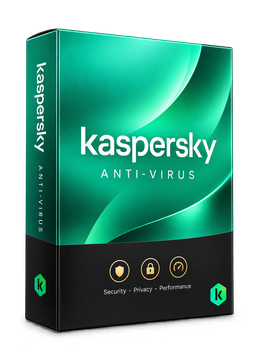
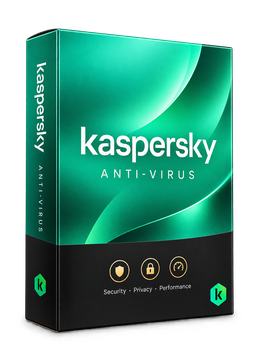
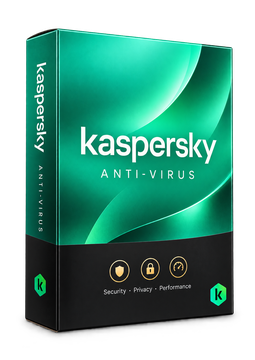
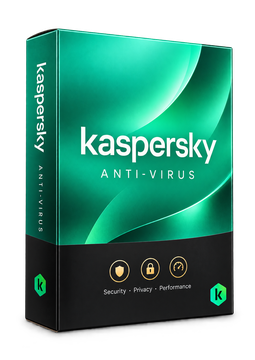
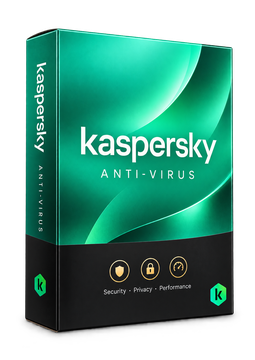
Kaspersky Anti-Virus 5 devices, 1 year
24.9 €
Language




- Description
- Information
- Instructions
Product description
Kaspersky Anti-Virus
Kaspersky offers a free upgrade for Kaspersky Anti-Virus: your Anti-Virus activation code gets you the current Kaspersky Standard app with full features for Windows at no extra cost until your licence expires. Alongside antivirus and ransomware protection you also get a firewall, Safe Money and tools to speed up your PC. The licence is for Windows PCs – it does not include the macOS, Android or iOS apps.
Key features
Everything Kaspersky Anti-Virus can do.
System requirements
Where you can run Kaspersky Anti-Virus.
How it works
Frequently asked questions
Product information
| Delivery Method: | Electronically by e-mail |
| Type of license: | New (license validity starts from your first activation) |
| Language: | English, Czech, Hungarian, German, Polish, Slovak, Swedish |
| Licence validity: | 12 months |
| Number of devices: | 5 devices |
| Manufacturer: | Kaspersky |
Product instructions
Kaspersky Anti-Virus
Installation and activation
- Open Kaspersky's official page for Anti-Virus users (link below) and use the free download – it downloads the current Kaspersky Standard app.
- Run the installer and follow the wizard. If it finds incompatible software (such as another antivirus), remove it and restart your computer.
- Sign in to your My Kaspersky account, or create one.
- Enter the Kaspersky Anti-Virus licence key from our e-mail and confirm activation. You can also add the key in advance on the My Kaspersky website under ‘Already have an activation code?’ with the Add button.
- Check in the Profile section of the app that the subscription is active, then run your first scan.
––––> Download Kaspersky Standard for your Anti-Virus licence <––––
––––> What an Anti-Virus licence includes in Kaspersky Standard <––––
––––> Kaspersky guide: activating with an activation code <––––
