


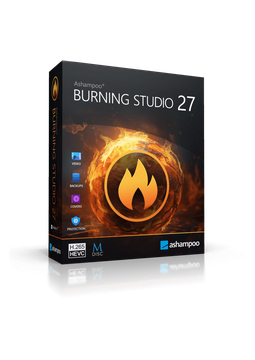
Ashampoo Burning Studio 27
14.41 €
Language


- Description
- Information
- Instructions
Product description
Ashampoo Burning Studio 27
Ashampoo Burning Studio 27 is the proven program for burning and copying CDs, DVDs and Blu-ray discs. It rips audio CDs, creates music and video discs complete with covers and menus, and backs up your files to disc with compression and password protection. The new version adds higher-quality ripping, AAC support, improved CD recognition and a modern look with light and dark themes. The classic burning software – modern and reliable.
Key features
Everything Ashampoo Burning Studio 27 can do.
System requirements
Where you can run Ashampoo Burning Studio 27.
How it works
Frequently asked questions
Product information
| Delivery Method: | Electronically by e-mail |
| Type of license: | New (license validity starts from your first activation) |
| Language: | English, Bulgarian, Czech, Danish, Finnish, French, Dutch, Italian, Korean, Latvian, Hungarian, German, Norwegian, Polish, Portuguese, Greek, Romanian, Russian, Slovak, Slovenian, Spanish, Serbian, Turkish |
| Licence validity: | Forever |
| Number of devices: | 1 device |
| Manufacturer: | Ashampoo |
Product instructions
Ashampoo Burning Studio 27
Installation and activation
- Download the Ashampoo Burning Studio 27 setup file from the official Ashampoo website (link below).
- Run the downloaded file, confirm the prompt and follow the setup wizard.
- When the setup asks for your licence key, copy the key from your e-mail (Ctrl+C) and click “Paste from clipboard”.
- Click “Activate now!” and then “Next” to finish the installation. Activation requires an internet connection.
- If the key prompt does not appear during setup, or you already have the trial installed, launch Burning Studio, click “Enter key manually” in the activation dialog, paste the key and click “Activate”.
- If activation fails, temporarily disable your VPN and check that your firewall or antivirus is not blocking the program's internet access.
- Once activated, click “Let's go!” to use Burning Studio without trial restrictions.
––––> Download Ashampoo Burning Studio 27 <––––
––––> Ashampoo Burning Studio 27 on the official Ashampoo website <––––
