


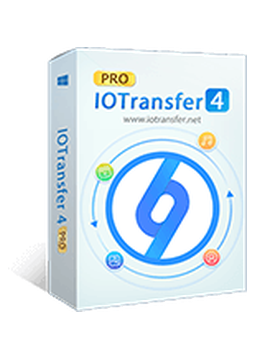
IOTransfer 4 - 1 Device, 1 Year
12 €
Language


Compatibility


- Description
- Information
- Instructions
Product description
IOTransfer 4
IOTransfer 4 is a Windows program that makes it easy to move photos, music, videos, contacts and other data between your iPhone, iPad or iPod touch and your PC. You can manage your device's content from a single, clear window, send files wirelessly over Wi-Fi and convert videos to the format you need. No jailbreak or full iTunes installation is required. Copy photos, music, videos and contacts to your PC in a single click.
Key features
Everything IOTransfer 4 can do.
System requirements
Where you can run IOTransfer 4.
How it works
Frequently asked questions
Product information
| Delivery Method: | Electronically by e-mail |
| Type of license: | New (license validity starts from your first activation) |
| Language: | English, Czech, Hungarian, German, Polish, Slovak |
| Compatibility: | iOS 8 and later, Windows 7 and later |
| Licence validity: | 12 months |
| Number of devices: | 1 device |
| Manufacturer: | IObit |
Product instructions
IOTransfer 4
Installation and activation
- On the official IOTransfer website, click Free Download and save the installer.
- Run the downloaded file and complete the installation wizard.
- Launch IOTransfer and click the Activate icon in the main window.
- Choose Enter Code, paste the licence code from your e-mail into the License Code box and confirm with Activate.
- Check the licence status under Options > License.
- Connect your iPhone or iPad to the PC with a USB cable; for wireless transfer, install the IOTransfer AirTrans app on the device and join the same Wi-Fi network as the PC.
––––> Download IOTransfer 4 <––––
––––> IOTransfer user manual <––––
––––> FAQ and licence activation <––––
