


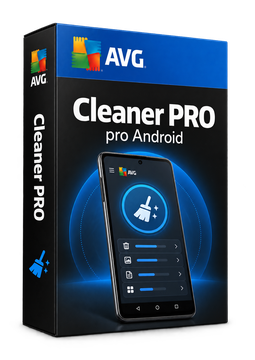
AVG Cleaner Pro 1 device, 1 year
4.69 €
Language


- Description
- Information
- Instructions
Product description
AVG Cleaner Pro
AVG Cleaner Pro is the paid version of the AVG Cleaner app, which frees up space on your Android phone or tablet. It finds unneeded data, blurry and similar photos, large videos and battery-draining apps, and the paid version also removes hidden cache, cleans automatically and puts background apps to sleep. Just install AVG Cleaner from Google Play and enter the code from your e-mail.
Key features
Everything AVG Cleaner Pro can do.
System requirements
Where you can run AVG Cleaner Pro.
How it works
Frequently asked questions
Product information
| Delivery Method: | Electronically by e-mail |
| Type of license: | New (license validity starts from your first activation) |
| Language: | English, Czech, Chinese, Danish, Finnish, French, Dutch, Indonesian, Italian, Japanese, Korean, Hungarian, German, Norwegian, Polish, Portuguese, Russian, Slovak, Spanish, Serbian, Swedish, Thai, Turkish, Ukrainian, Vietnamese |
| Licence validity: | 12 months |
| Number of devices: | 1 device |
| Manufacturer: | AVG |
Product instructions
AVG Cleaner Pro
Installation and activation
- On your Android 10 (or later) phone or tablet, open the official AVG guide (link below) and tap Go to Google Play Store to open the AVG Cleaner app page.
- Tap Install and wait for the app to download and install.
- Tap the AVG Cleaner icon on your Home screen, select Get started and then Already purchased? (if an upgrade screen appears, tap ⋮ More options ▸ Already purchased?).
- Select Use an activation code.
- Enter the licence key from your e-mail and tap Use this code (if asked, enter your name, e-mail and postcode).
- The paid features are now active – you can, for example, switch on Automatic Cleaning in the app's tools. If the app rejects a valid code, use the AVG activation form linked from the official guide.
––––> How to install and activate AVG Cleaner Pro <––––
––––> Activating AVG Cleaner on Android – detailed article <––––
