


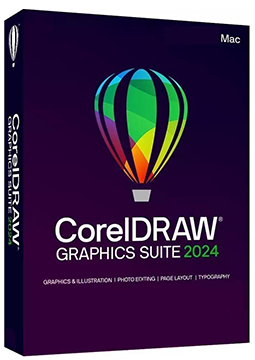
CorelDRAW Graphics Suite 2024 MAC
79.99 €
Language


Compatibility


- Description
- Information
- Instructions
Product description
CorelDRAW Graphics Suite 2024 for Mac
CorelDRAW Graphics Suite 2024 for Mac is a professional suite for vector graphics, illustration, page layout and photo editing on macOS. It includes CorelDRAW, Corel PHOTO-PAINT and Corel Font Manager. Version 2024 introduced Painterly brushes, remote fonts and non-destructive bitmap effects with a real-time preview. Perpetual licence with no subscription – your serial number is delivered by email.
Key features
Everything CorelDRAW Graphics Suite 2024 for Mac can do.
System requirements
Where you can run CorelDRAW Graphics Suite 2024 for Mac.
How it works
Frequently asked questions
Product information
| Delivery Method: | Electronically by e-mail |
| Type of license: | New (license validity starts from your first activation) |
| Language: | English, German |
| Compatibility: | MacOS10.12 and later |
| Licence validity: | Forever |
| Number of devices: | 1 device |
| Manufacturer: | Corel |
Product instructions
CorelDRAW Graphics Suite 2024 for Mac
Installation and activation
- Open the official Download CorelDRAW page. Under Other products and versions, select CorelDRAW 2024 and download CorelDRAW Graphics Suite 2024 for Mac. Serial numbers for this version start with DR25.
- Open the downloaded .dmg file, launch the installer and follow the instructions. Stay connected to the internet during installation.
- If the installer asks for a serial number, enter the one from your email.
- Sign in to your Corel.com account or create one. Signing in authenticates the product and associates it with your account.
- To check activation, choose CorelDRAW > About CorelDRAW – your licence key is shown there. If the number is not accepted, make sure it matches the version you downloaded (DR25) and type it in capital letters with no spaces at the beginning or end.
––––> Download CorelDRAW Graphics Suite 2024 for Mac <––––
––––> Find your CorelDRAW serial number <––––
––––> Fix an Invalid Serial Number error <––––
