


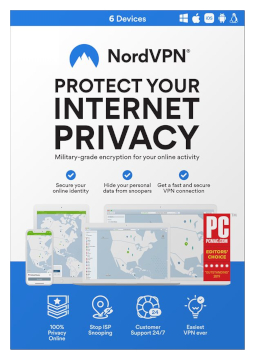
NordVPN 6 devices, 1 year
48.28 €
Language


Compatibility


- Description
- Information
- Instructions
Product description
NordVPN
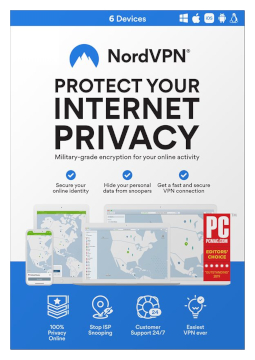
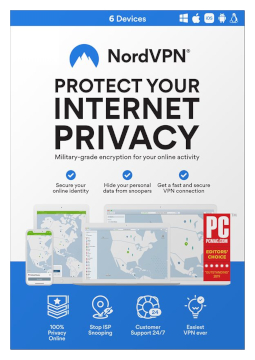
NordVPN encrypts your internet connection and hides your IP address – at home, at work and on public Wi-Fi in cafés, hotels or airports. Choose from more than 8,400 servers in over 160 countries, while the fast NordLynx protocol keeps browsing and streaming smooth. The licence covers 6 devices. A fast, secure VPN for your computer, phone and TV.
Key features
Everything NordVPN can do.
System requirements
Where you can run NordVPN.
How it works
Frequently asked questions
Product information
| Delivery Method: | Electronically by e-mail |
| Type of license: | New (license validity starts from your first activation) |
| Language: | English, Chinese, French, Italian, German, Polish, Spanish |
| Compatibility: | Android 9 and later, iOS 15 and later, Linux, macOS Big Sur and later, Windows 10, Windows 11 |
| Licence validity: | 12 months |
| Number of devices: | 6 devices |
| Manufacturer: | NordVPN |
Product instructions
NordVPN
Installation and activation
- Open the Nord Account activation page (my.nordaccount.com/activate). Enter the 25-character code from your email in the ‘Activation code’ field and, in the ‘Email’ field, the address you want to use NordVPN with. Double-check the address – the code is linked to it immediately.
- Click ‘Continue’, enter the verification code sent to your email (check your spam folder if you cannot see it) and click ‘Continue’ again.
- If you are new, create a strong password and click ‘Create Password’. If you already have a Nord Account, enter your password – the subscription will be added to your account or will extend your current one. You can skip the auto-renewal step (‘Skip this step’).
- Download the NordVPN app from the official website nordvpn.com/download, your Nord Account dashboard, the App Store or Google Play and install it. On Windows, run NordVPNInstall.exe and follow the wizard.
- Launch NordVPN and click ‘Log In’. Sign in with your Nord Account details in the browser and allow the link to open in the NordVPN app.
- Click ‘Secure my connection’ – the status changes to ‘Connected’ and you are protected. You can check your subscription status at any time on your Nord Account dashboard.
––––> Activate your code in Nord Account <––––
––––> Official guide to activating your code <––––
––––> NordVPN installation guides for all devices <––––
