


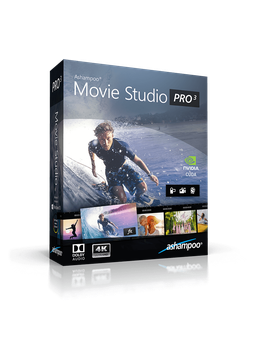
Ashampoo Movie Studio Pro 3
25.7 €
Language


- Description
- Information
- Instructions
Product description
Ashampoo Movie Studio Pro 3
Ashampoo Movie Studio Pro 3 is video editing software for Windows that makes it easy to cut, merge and enhance your recordings. Add transitions, titles, music and effects, then convert your finished film to any of hundreds of formats for all kinds of devices or burn it to DVD or Blu-ray. The program supports 4K resolution and Dolby 5.1 sound and uses your graphics card for faster conversion. Lifetime licence for 1 PC, available in many languages.
Key features
Everything Ashampoo Movie Studio Pro 3 can do.
System requirements
Where you can run Ashampoo Movie Studio Pro 3.
How it works
Frequently asked questions
Product information
| Delivery Method: | Electronically by e-mail |
| Type of license: | New (license validity starts from your first activation) |
| Language: | English, Czech, Hungarian, German, Polish, Slovak |
| Licence validity: | Forever |
| Number of devices: | 1 device |
| Manufacturer: | Ashampoo |
Product instructions
Ashampoo Movie Studio Pro 3
Installation and activation
- Download the Ashampoo Movie Studio Pro 3 installer from the official Ashampoo website (link below).
- Run the downloaded file, confirm the Windows security prompt and follow the setup wizard.
- Copy the licence key from the e-mail you received from us (select it and press Ctrl+C).
- When the activation dialogue appears during setup or on first launch, choose to enter the key manually, paste the key and click the activation button. Your PC must be connected to the internet.
- Once activated (and, if applicable, once setup has finished), you can use the full version without restrictions.
- If the program says the key is already activated (e.g. after reinstalling or on a new PC), reset the licence under Licenses in your Ashampoo account and activate again.
––––> Download Ashampoo Movie Studio Pro 3 <––––
––––> Official Ashampoo Movie Studio Pro 3 product page <––––
